Authentication
All requests to the API must be authenticated. For machine-to-machine access we use the OAuth 2.0 Client Credentials Grant (RFC 6749, section 4.4).
Create client credentials
Section titled “Create client credentials”OAuth 2.0 does not use your regular username and password. It uses a generated pair of
strings called client credentials: a client_id and a client_secret. They are long-lived,
linked to your user account, and have access to the same data as your account.
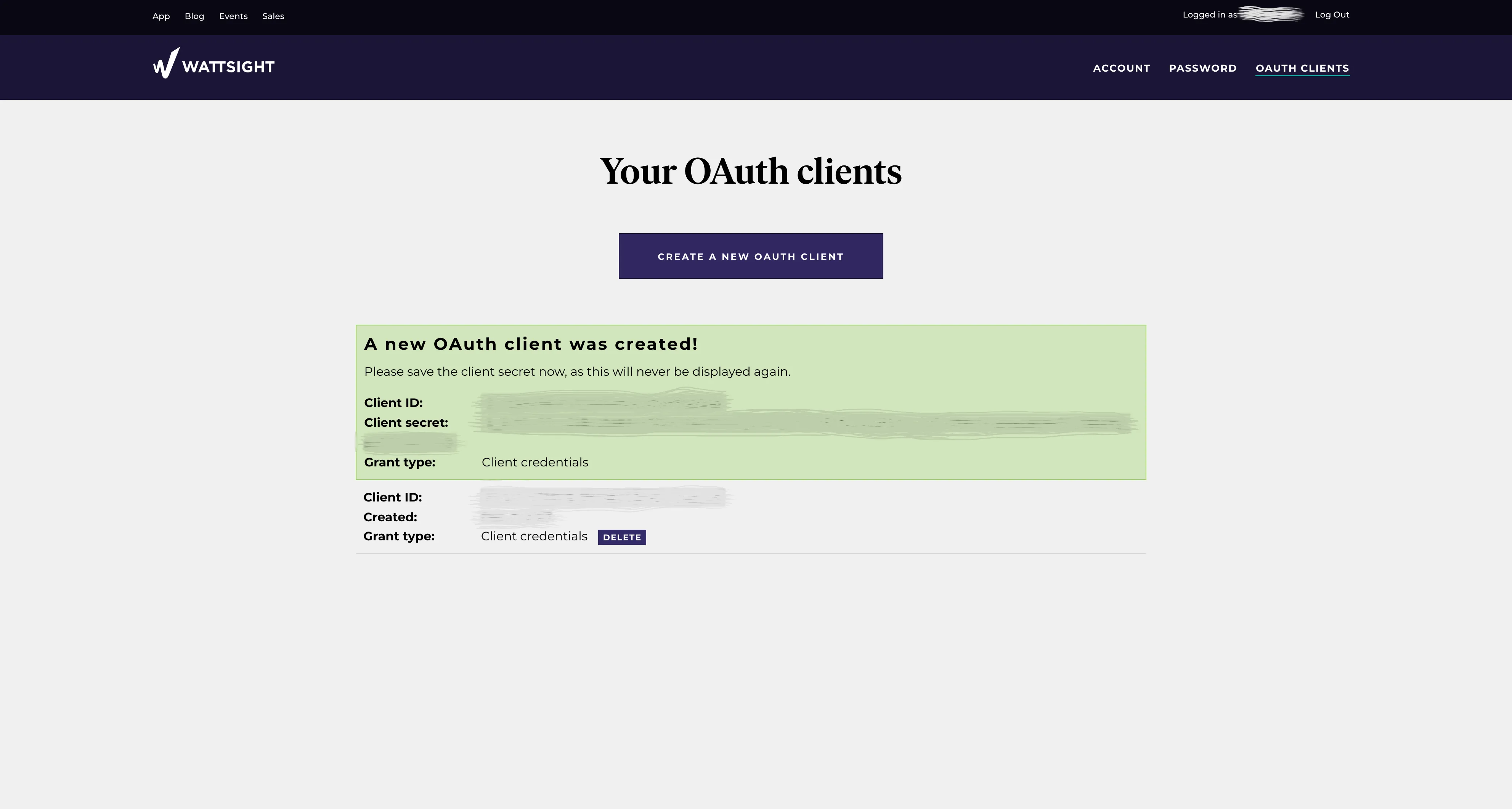
- Go to auth.volueinsight.com/account/oauth-clients and sign in.
- Click Create new OAuth Client.
- Save the client secret somewhere safe.
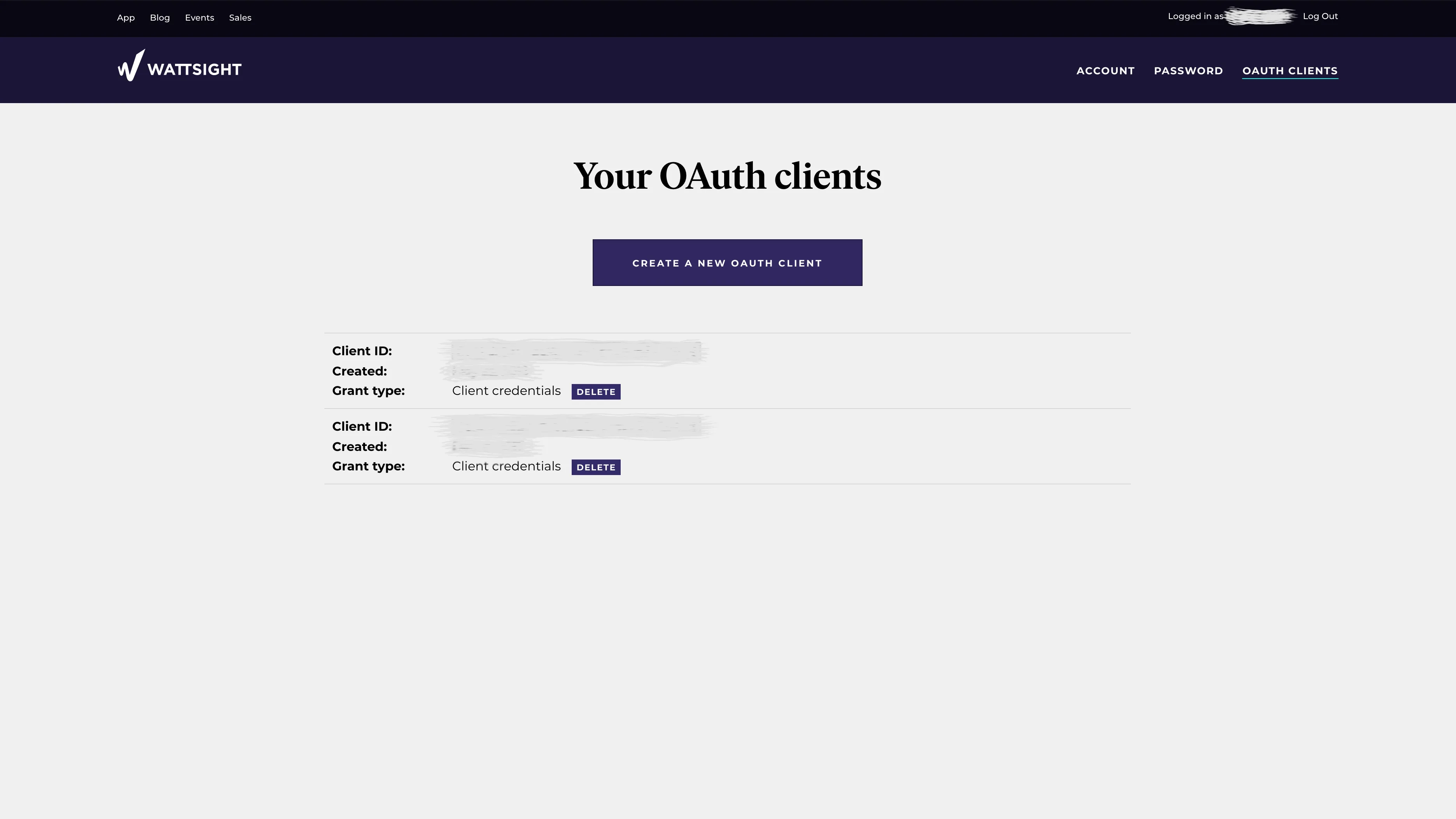
The new OAuth client is now listed for your user.
Get an access token
Section titled “Get an access token”Send your client credentials to the authentication service at https://auth.volueinsight.com.
This is the only service you ever send the client_id and client_secret to. In return you
get an access token that gives time-limited access to the API.
Send a POST request to /oauth2/token with:
- HTTP Basic authentication, with the client ID as username and the client secret as password. Use your HTTP client’s built-in support for Basic authentication — a single wrong character gives a failed login.
- The body
grant_type=client_credentials.
POST /oauth2/token HTTP/1.1Host: auth.volueinsight.comContent-Type: application/x-www-form-urlencodedAuthorization: Basic <base64 of client_id:client_secret>
grant_type=client_credentials
With curl:
curl -s -u "$CLIENT_ID:$CLIENT_SECRET" -d grant_type=client_credentials \ https://auth.volueinsight.com/oauth2/tokenIf your credentials are valid, the response looks like this:
HTTP/1.1 200 OKContent-Type: application/json
{    "access_token": "<access token>",    "token_type": "Bearer",    "expires_in": 3600}
The token follows the JWT specification, but you can treat it as an opaque string.
Reuse and refresh the token
Section titled “Reuse and refresh the token”The token is valid for expires_in seconds from when it was issued, currently 3600 seconds
(1 hour). Reuse the same token for all requests until it is close to expiring. When it has
passed a large part of its lifetime (our libraries use 95%), request a new token in the same
way and discard the old one.
Call the API
Section titled “Call the API”Send the access token in the Authorization header of every request, as specified in
RFC 6750, section 2.1:
GET /api/v1/timeseries/curves HTTP/1.1Host: data-forecasts.volue.comAuthorization: Bearer <access token>Next: check your connection.